
Software projects tend to uncover a surprising amount of invisible work. Not the workflows everyone knows about. The other ones.
The finance manager who follows a specific sequence before approving invoices. The operations specialist who knows which exception rules actually matter. The employee who has been with the company for twelve years and somehow became the unofficial answer to every process question.
Most organizations don’t realize how much knowledge sits inside individual people until something changes.
A new ERP is introduced. Salesforce gets reconfigured. Teams migrate to a different platform. An acquisition brings together two companies with completely different ways of working.
Suddenly, dozens of small decisions that once happened automatically need explanations. The challenge is rarely documenting software. It’s documenting how work happens around the software.
That distinction matters because business processes rarely live inside a single application. They stretch across systems, departments, approvals, exceptions, shortcuts, and habits that have developed over the years.
The tools below are commonly used by organizations trying to capture that knowledge before it disappears.
Process Knowledge Is Usually Discovered Too Late
Ask someone to document their workflow, and they’ll often give you the official version. Ask them to perform the workflow, and you’ll see what actually happens. The difference can be significant.
Software changes tend to expose those gaps. Teams discover undocumented exceptions. Managers realize that different departments follow different procedures. Long-standing workarounds suddenly become impossible because the new system works differently.
By then, preserving knowledge becomes urgent. Not because the organization wants more documentation. Because it cannot afford to lose operational continuity.
Some Platforms Capture Processes. Others Organize Them.
The products in this list approach knowledge preservation from very different directions. Some focus on documenting workflows. Others concentrate on organizing information, guiding users, or delivering knowledge at the moment it is needed.
1. Tango
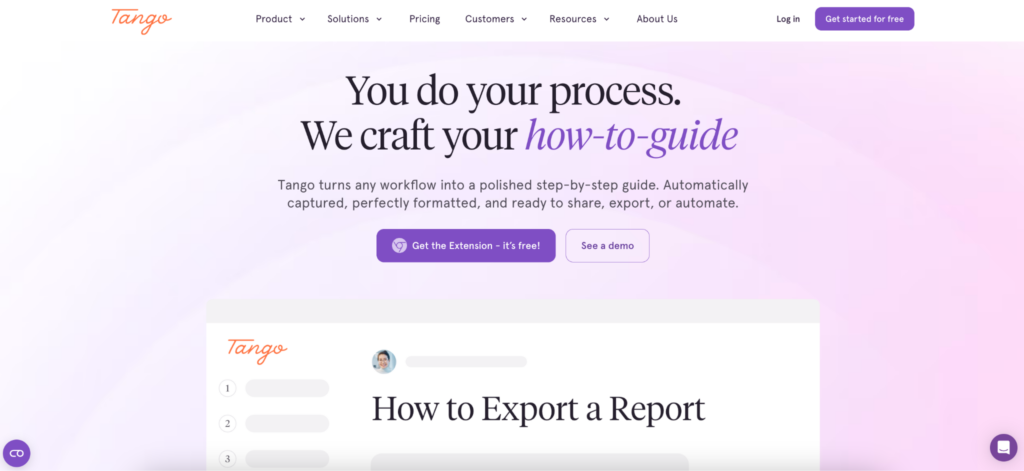
One reason process documentation projects fail is simple. They ask people to stop working in order to explain how they work. That rarely lasts long.
Tango takes a different approach by allowing teams to create process guides while completing the workflow itself. Instead of scheduling separate documentation sessions, employees can capture operational knowledge as part of their normal work.
This becomes useful during software transitions because processes are often changing at the same time documentation is being created.
Organizations use Tango across systems such as Salesforce, Oracle, NetSuite, Workday, and many other enterprise applications.
Common use cases include:
- ERP migrations
- CRM rollouts
- Process documentation
- Knowledge transfer initiatives
- Operational onboarding
- Cross-department standardization
One feature that stands out in software transition projects is the ability to document workflows across multiple applications rather than treating each system as a separate environment. That’s often closer to how work actually happens.
2. Confluence
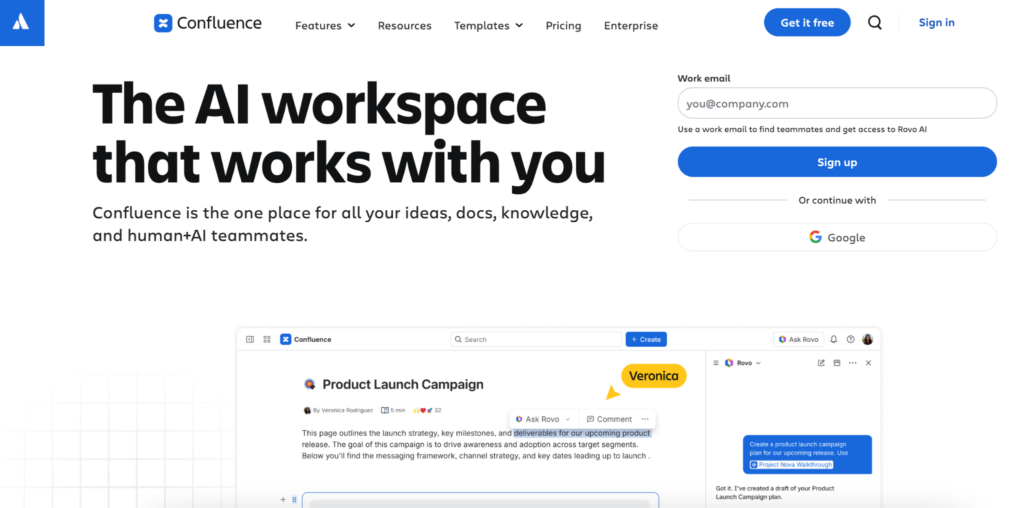
Some organizations are less concerned about capturing workflows and more concerned about managing information over time.
Years of process decisions, implementation notes, operating procedures, governance rules, and departmental knowledge need somewhere to live. Confluence is often used as that central repository.
It is common to see implementation teams, operations groups, and business units using Confluence to organize documentation generated during large technology projects.
Typical applications include:
- Process libraries
- Knowledge bases
- Operational documentation
- Governance materials
- System documentation
The platform is rarely the fastest way to create process guides. It remains one of the most common places to store them.
3. Guidde
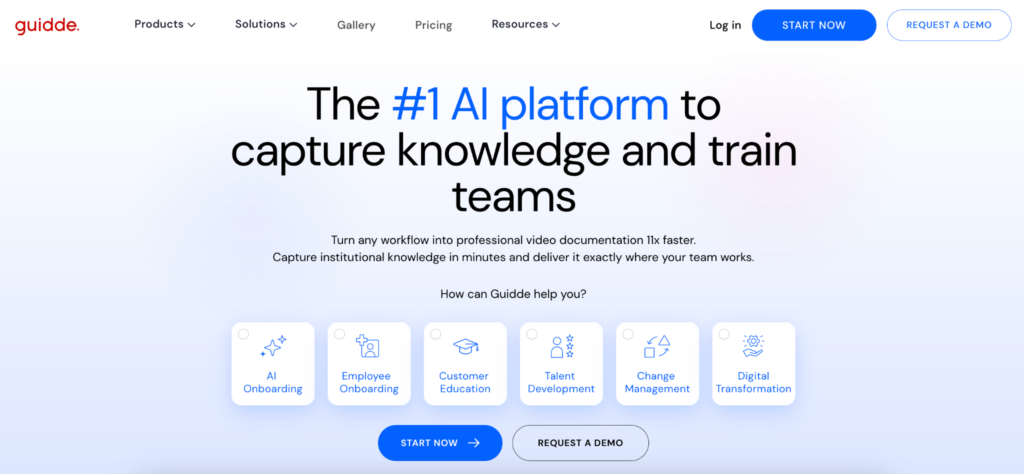
There are moments during large software projects when nobody wants another documentation initiative.
Teams simply need guides. Quickly. Guidde has become popular among organizations looking for a straightforward way to create visual process documentation without introducing significant complexity.
This often happens during ERP implementations, CRM migrations, and operational transformations, where business teams need usable documentation immediately rather than several months later.
Its simplicity is part of the appeal. Processes change. Guides get updated. People keep moving.
4. Spekit
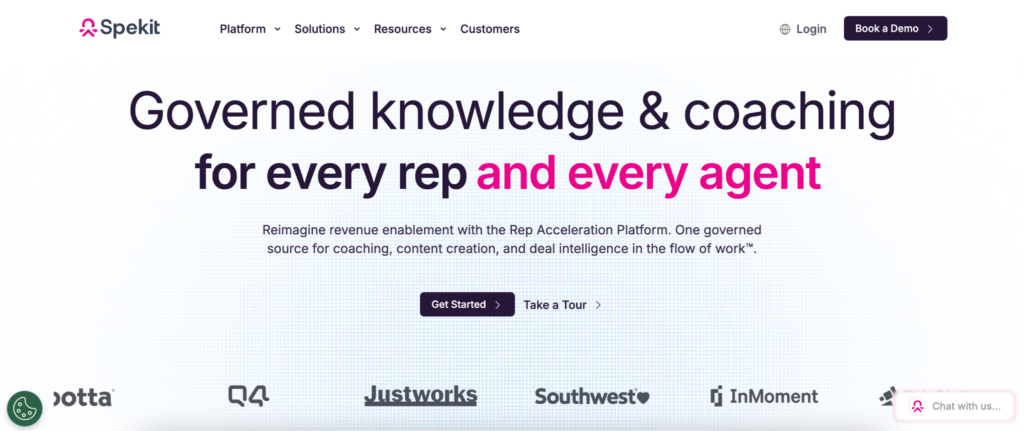
Knowledge does not disappear only because employees leave. Sometimes it disappears because nobody can find it.
A company may have excellent documentation scattered across dozens of locations. Shared drives, internal portals, knowledge bases, project tools, chat messages.
The information exists. Accessing it becomes the challenge. Spekit focuses on bringing knowledge closer to the workflow itself.
Instead of asking users to search through documentation repositories, relevant guidance can appear within the systems employees already use.
For organizations worried about operational knowledge becoming fragmented during software transitions, that approach can reduce a surprising amount of friction.
5. WalkMe

Large software changes create a different challenge. Knowledge needs to be preserved, but employees also need help applying it. WalkMe sits closer to the adoption side of the equation.
The platform is frequently used during enterprise transformation programs where organizations want guidance delivered directly inside applications.
Capabilities often include:
- In-app guidance
- Adoption support
- User assistance
- Workflow enablement
- Change management
For companies managing significant organizational change, preserving knowledge and delivering knowledge often become part of the same conversation.
6. Trainual
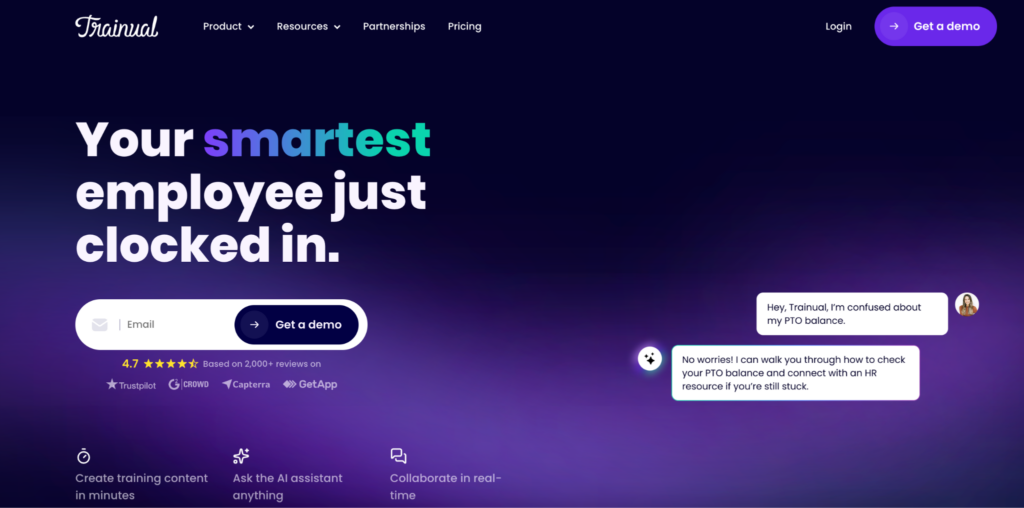
When software changes affect multiple teams, organizations often need a way to formalize how work should happen moving forward.
Trainual is commonly used for documenting operational procedures, company processes, and internal knowledge in a structured format.
Many organizations use it during periods of growth, acquisitions, and technology transitions where consistency becomes increasingly important.
The platform can help transform informal knowledge into documented procedures that are easier to maintain and transfer across teams.
The Employee Everyone Depends On
Most organizations have one. Sometimes several. The person who knows how everything works. Not because it was written down.
Because they’ve seen every exception, every process change, every system migration, every workaround.
They’re often the first person colleagues call when something goes wrong. And they’re usually too busy to document any of it. Software changes have a way of revealing how risky that situation can be.
A process that depends entirely on memory is difficult to scale. It becomes even harder when systems, workflows, and responsibilities are changing simultaneously.
What Survives the Transition
Technology projects tend to focus on what gets replaced. Old systems. Old workflows. Old tools. The more important question is often what survives.
Operational knowledge. Process context. Lessons learned. Small details that prevent mistakes.
The tools above approach that challenge differently. Some help capture knowledge. Others organize it, distribute it, or surface it inside workflows.
The common goal is making sure valuable expertise remains available after the software changes, the project closes, and everyone moves on to the next initiative.